

Creators
Creator messaging settings
Control who can message you as a creator.
Creator messaging settings
The Messaging settings allow you to control who can contact you through your creator profile and manage basic messaging preferences.
Where to find it
Open your messaging settings by going to:
Settings → Creator settings → Messaging
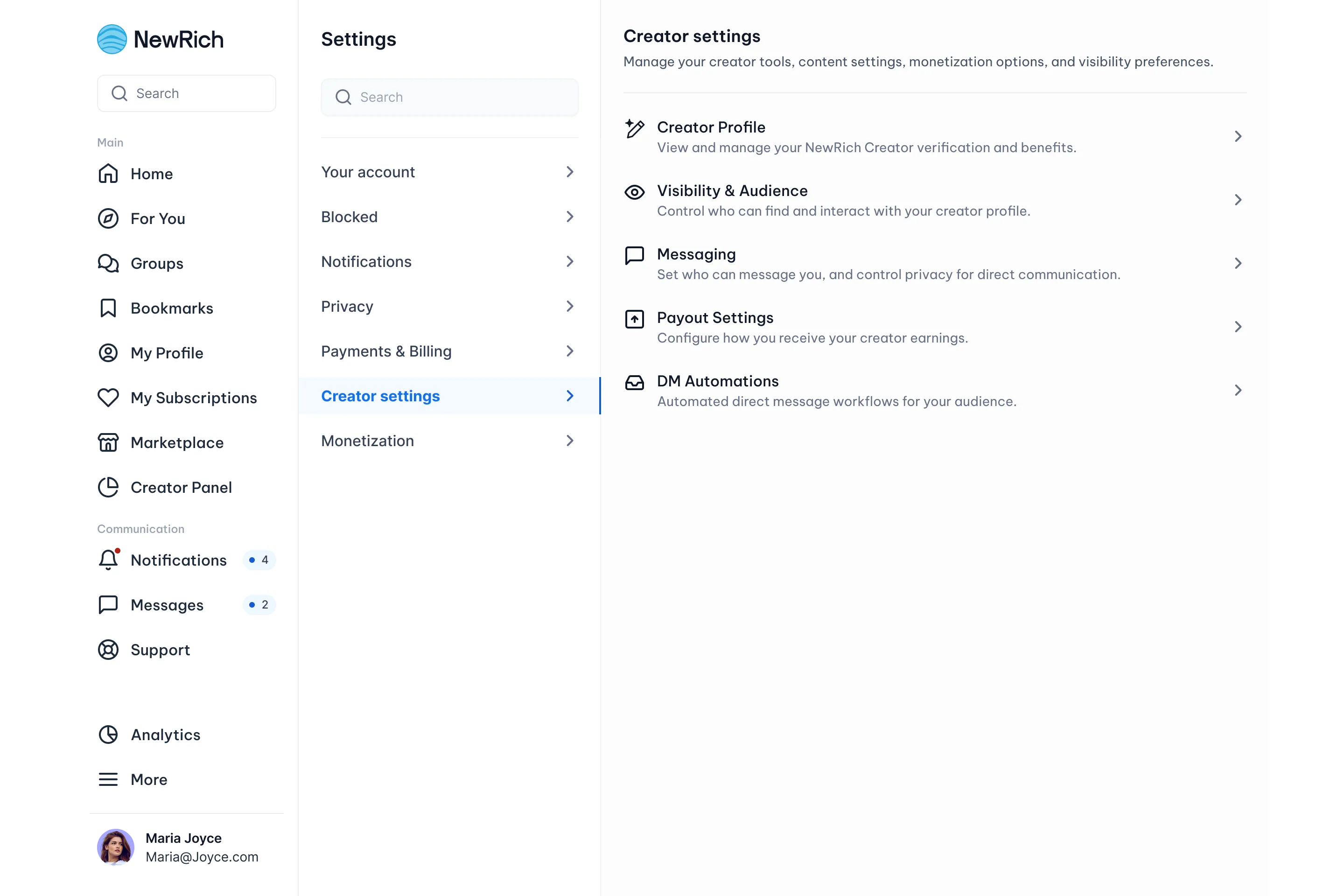
Messaging Availability
Choose who can start a conversation with you.
- Everyone -Any NewRich user can send you a message.
- Followers only - Only users who follow your creator profile can start a conversation.
- Subscribers only - Only users subscribed to one of your paid subfeeds can start a conversation with you.
- Messaging Off - No one can start a new conversation with you.
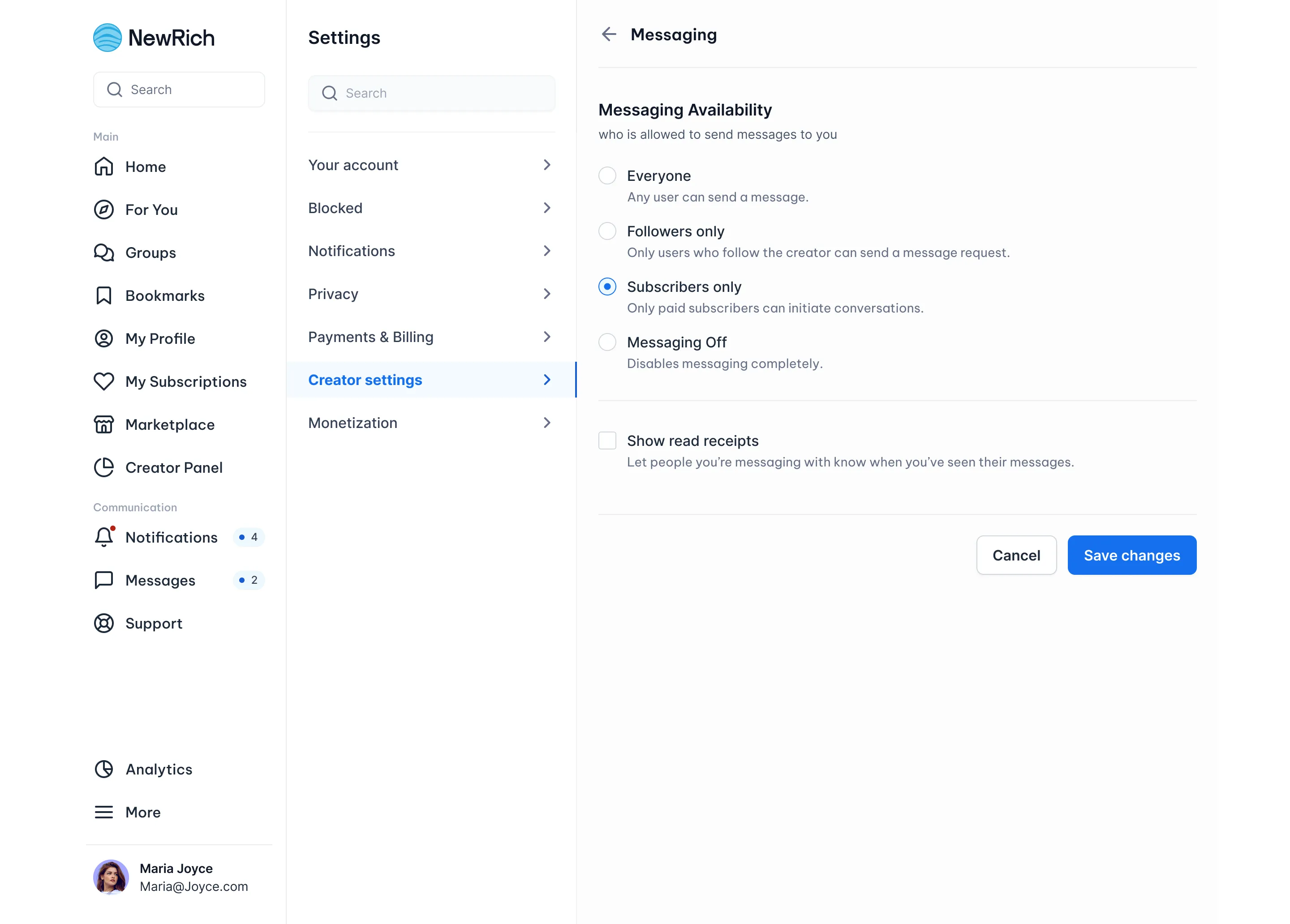
2. Read Receipts
Enable or disable read receipts for your conversations.
- Enabled – other users can see when you've read their messages.
- Disabled – your read status remains private.