

Update payment method
Update payment method
The Payment Methods page lets you manage the payment methods connected to your NewRich account. These payment methods are used for subscriptions, one-time purchases, bundles, livestream tickets, and any future charges made on the platform.
From this page you can add new payment methods, update which one is used by default, and remove payment methods you no longer need.
Accessing Payment Methods
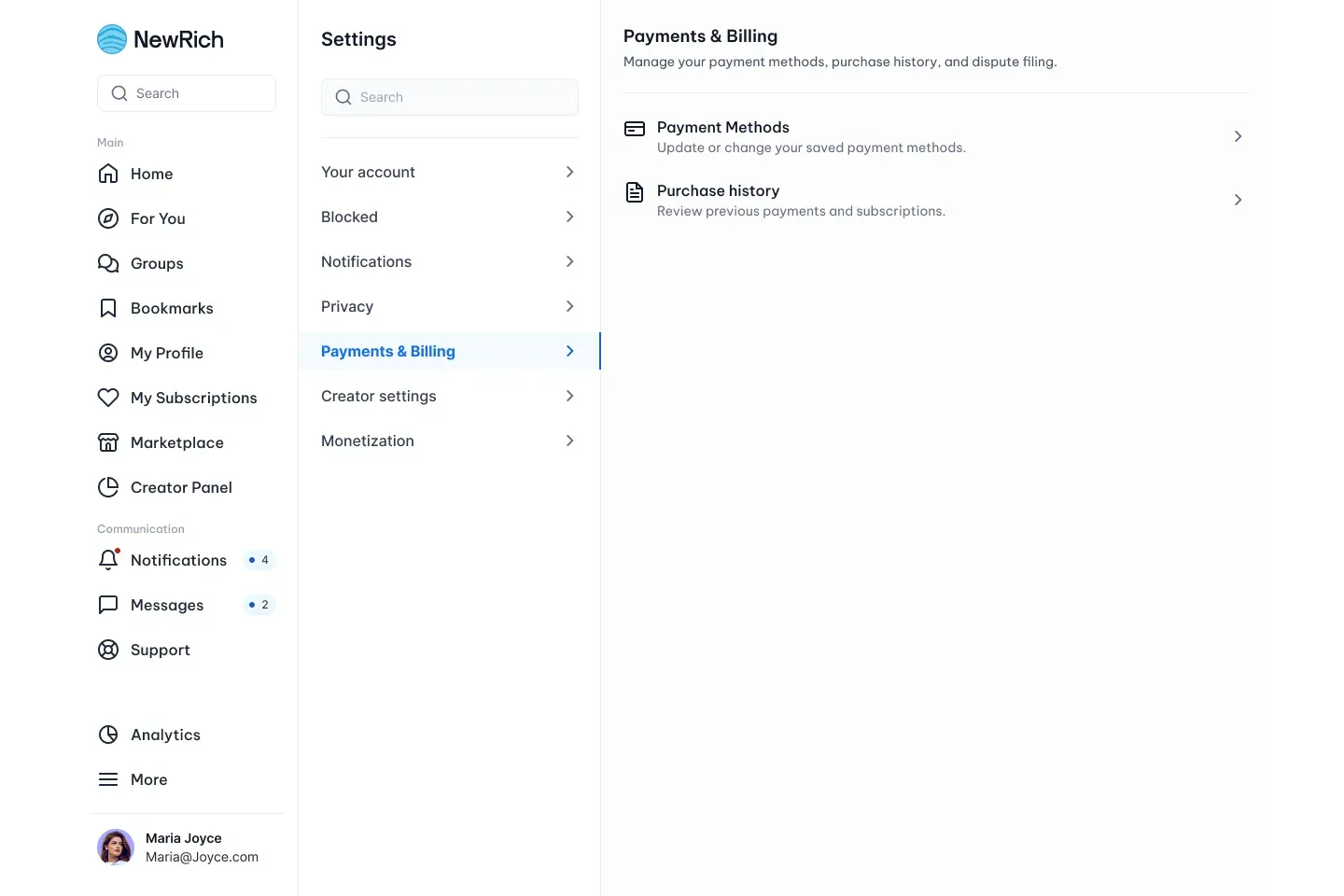
To manage your payment methods, open:
Settings → Payments & Billing → Payment Methods
Here you'll find every payment method currently linked to your account.
Managing Your Payment Methods
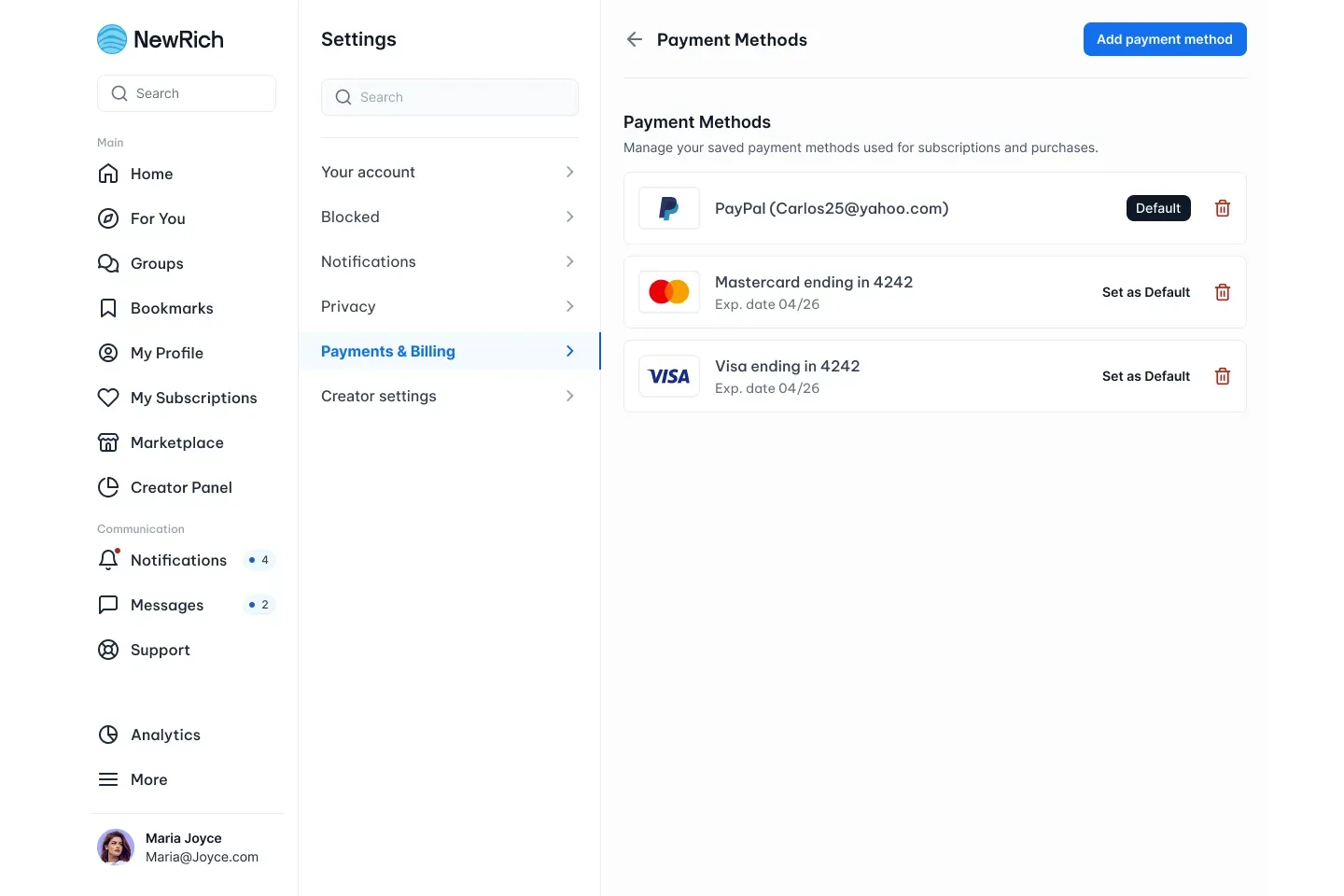
Each saved payment method displays its current status and available actions.
Depending on the payment method, you can:
- View the payment method details
- See the card expiration date (for credit or debit cards)
- Change the default payment method used for future purchases and subscription renewals
- Remove payment methods that are no longer needed
If a payment method is currently being used for an active subscription, you'll need to choose another default payment method before it can be removed.
Adding a Payment Method
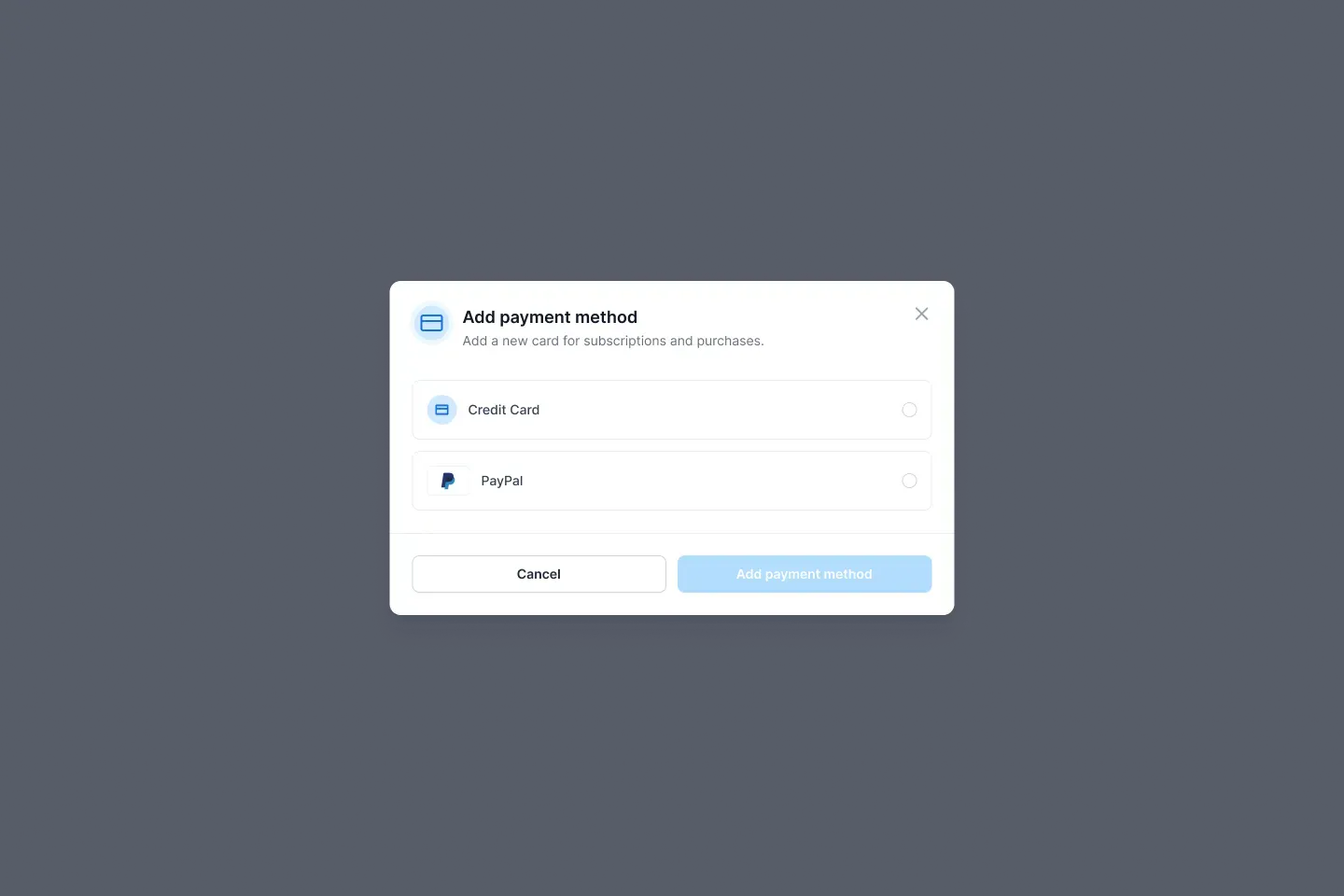
Selecting Add payment method opens a dialog where you can choose the payment type you want to add.
NewRich currently supports:
- Credit or Debit Card
- PayPal
After completing the required information, the new payment method is securely saved to your account and becomes available for future purchases.
Default Payment Method
Your default payment method is automatically used whenever a payment is required, including subscription renewals, recurring payments, and future purchases.
You can change your default payment method at any time by selecting Set as Default next to another saved payment method.
Removing a Payment Method
Payment methods that are no longer needed can be removed directly from the Payment Methods page.
For security reasons, payment methods currently used by active subscriptions cannot be deleted until another payment method has been set as the default. This helps ensure your subscriptions continue without interruption.