Groups
Groups
Groups are creator communities where you can connect with other members, participate in Groups are communities created by creators where members can share ideas, participate in discussions, access exclusive content, and connect with people who have similar interests.
You can discover groups in two places across NewRich:
- Groups — browse all public communities using categories, search, and filters.
- Creator profiles — join communities directly from a creator's profile.
Creators can offer groups in different ways depending on how they want to monetize their community. Some groups are completely free to join, while others require either a monthly subscription or a one-time purchase for lifetime access.
After joining a group, it appears in Your Groups, allowing you to return at any time.
Discover Tab
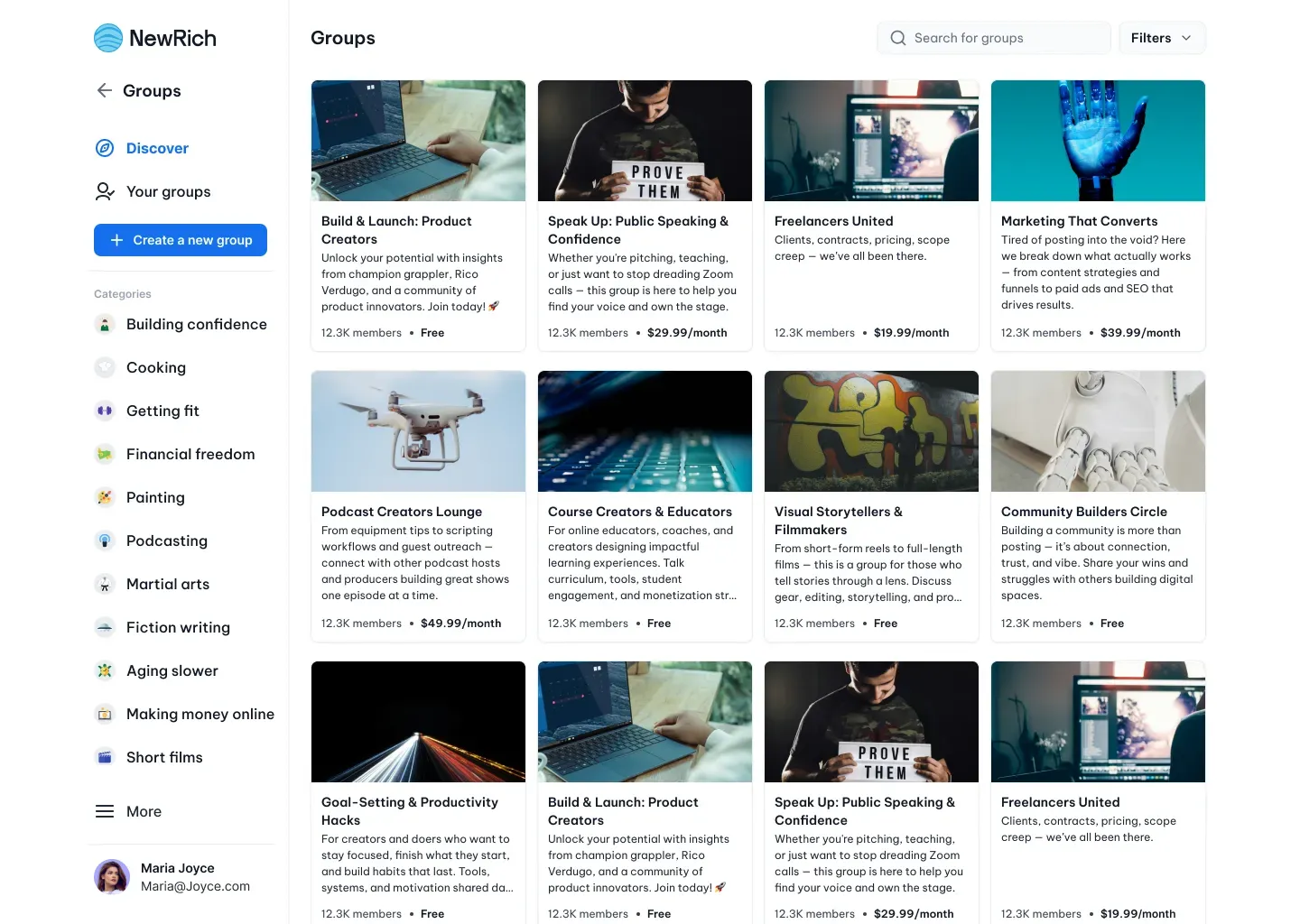
The Discover tab is designed to help members find new communities that match their interests.
Each group card provides a quick overview, including the group's cover image, description, member count, and access type, making it easy to compare communities before opening them. Search, categories, and filters help narrow results and discover creators or topics you're interested in.
Your Groups
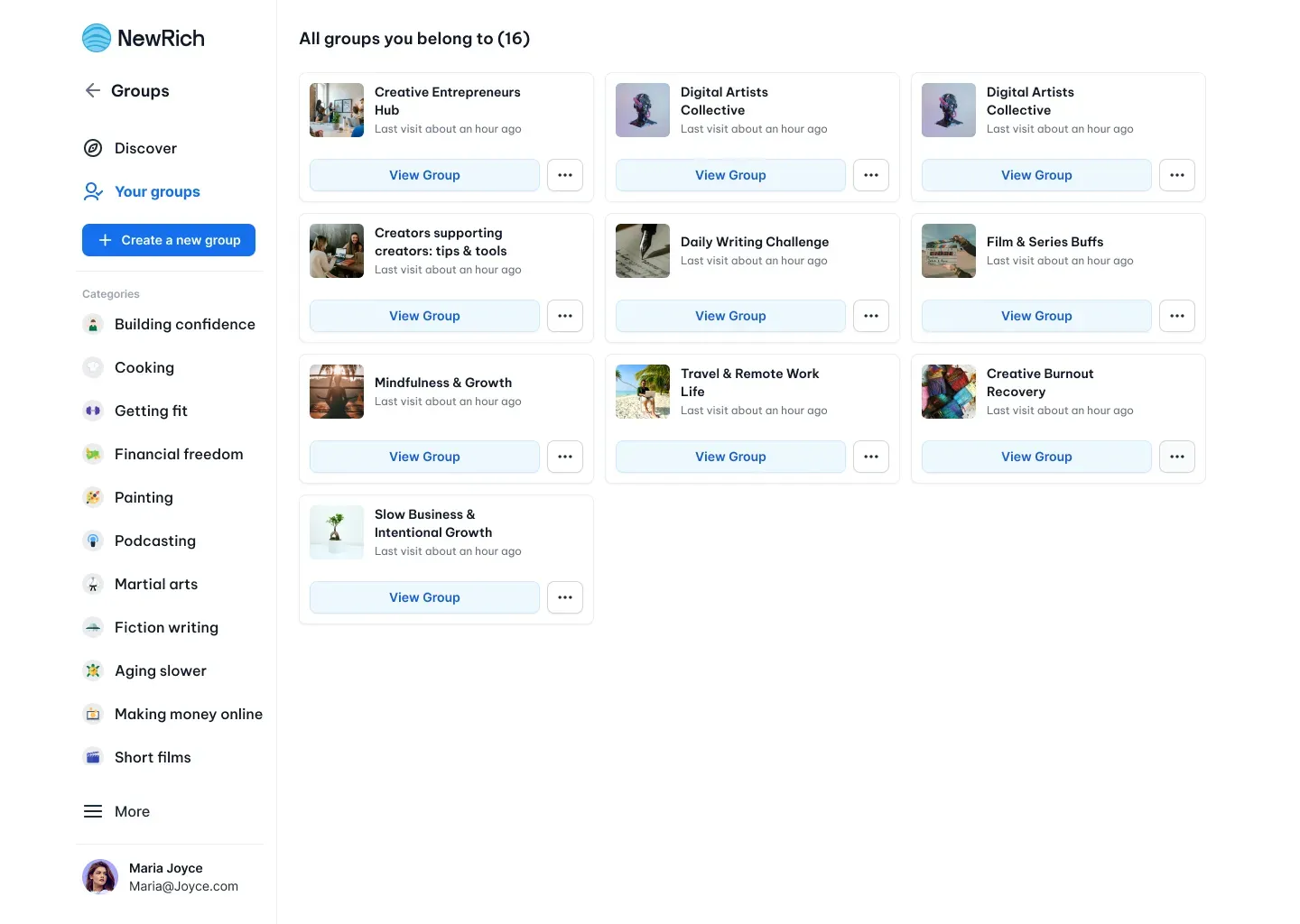
The Your Groups tab contains every community you've already joined.
From here you can quickly reopen any group, see your active memberships, and manage communities without searching for them again. Groups remain available here for as long as your membership is active.
Joining a Group
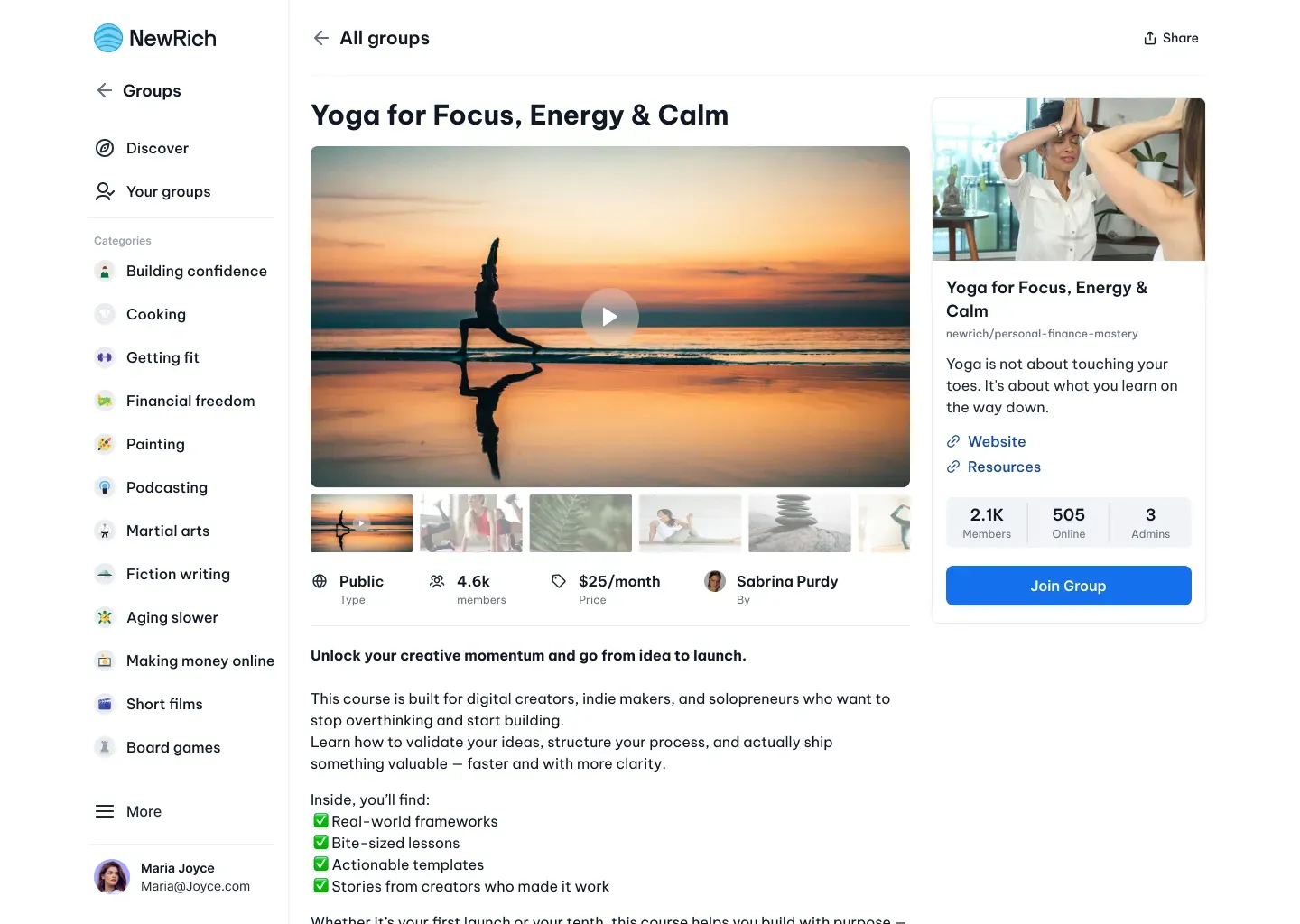
Opening a group displays everything you need before deciding to join, including the community description, creator information, member count, pricing, and any additional joining requirements.
Depending on how the creator has configured the group, joining works slightly differently:
- Free Groups - Free communities can be joined instantly. Some creators allow immediate access, while others may require approval before you become a member.
- Subscription Groups - Subscription-based groups are unlocked through an active monthly membership. As long as your subscription remains active, you'll have access to the community and all member-only content.
- One-Time Purchase Groups - Some communities can be unlocked with a single payment. After purchase, you'll receive permanent access without requiring an ongoing subscription.
Once you become a member, the group is automatically added to Your Groups.
Inside a Group
Each community is organized into dedicated tabs that make it easy to interact with the creator, participate in discussions, and access additional content.
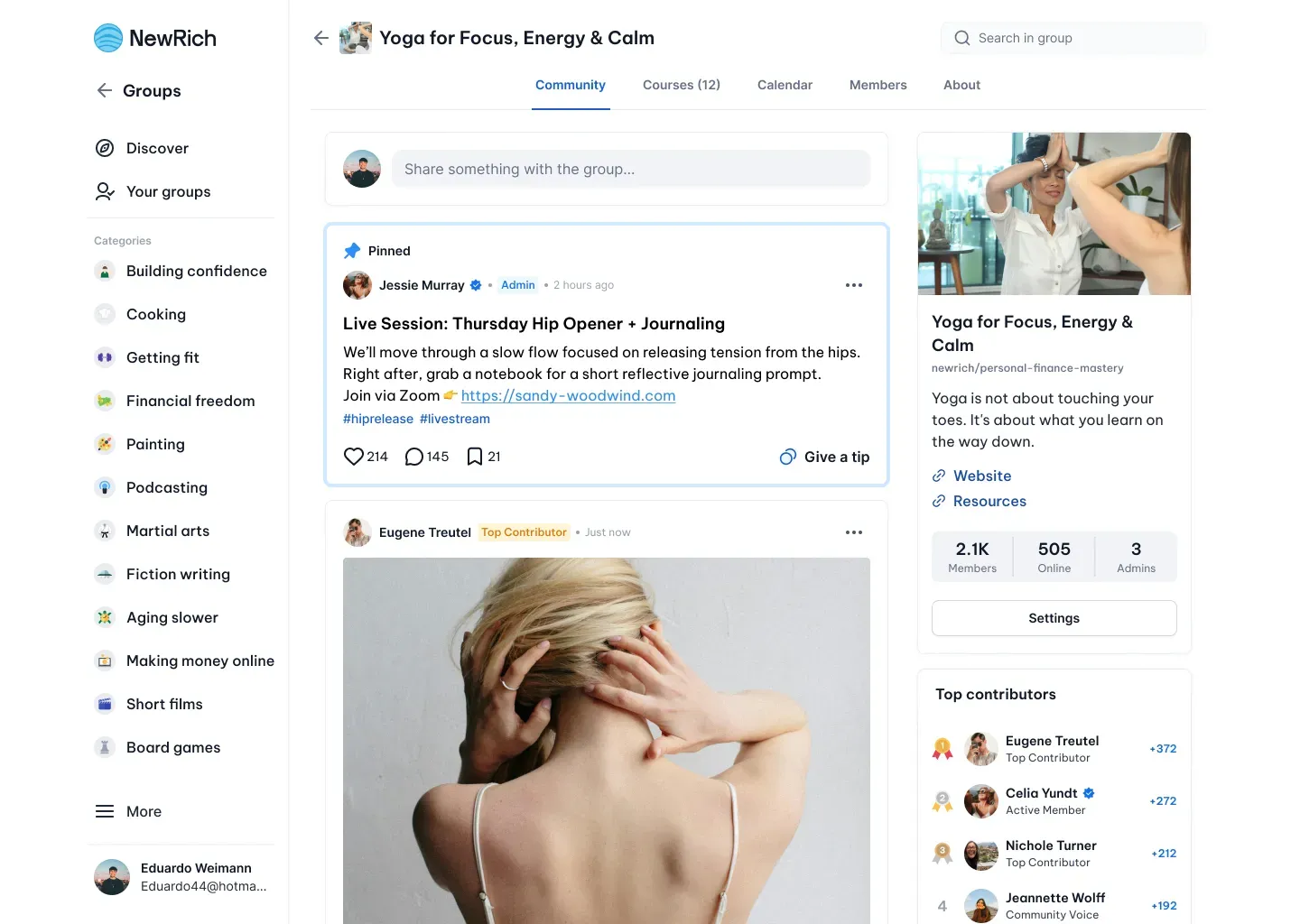
Community
The Community tab is the heart of every group. Members can read creator announcements, join discussions, publish posts (when enabled), react to content, comment, share posts, and support creators through tips when available.
The right sidebar also provides useful community information, including member statistics, quick links, resources, and a leaderboard highlighting the most active contributors.
Courses
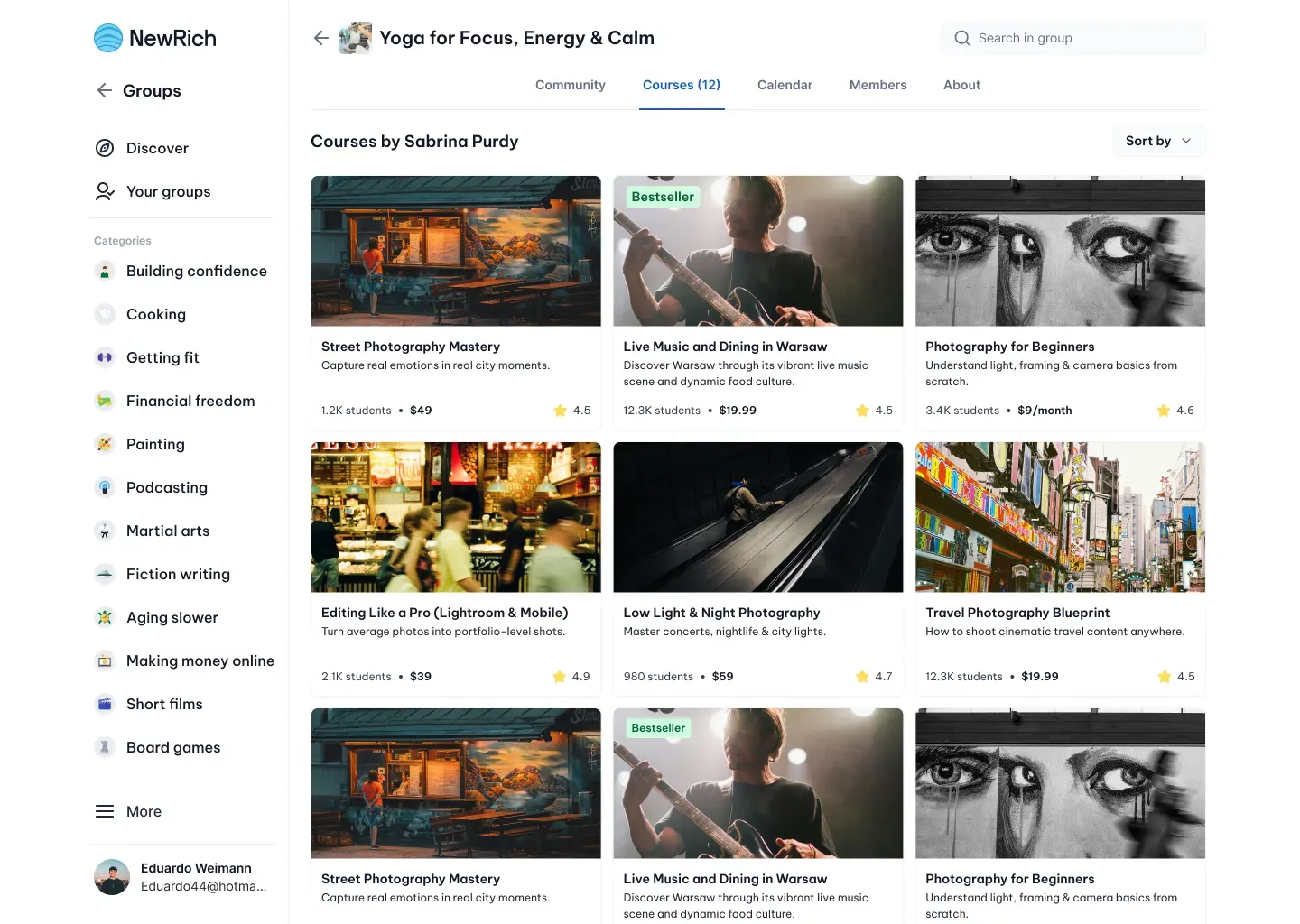
If the creator offers courses, they're available directly inside the Courses tab.
Members can browse all available courses, purchase new ones, or continue learning without leaving the community. Purchased courses always remain accessible from both the group and the user's course library.
Calendar
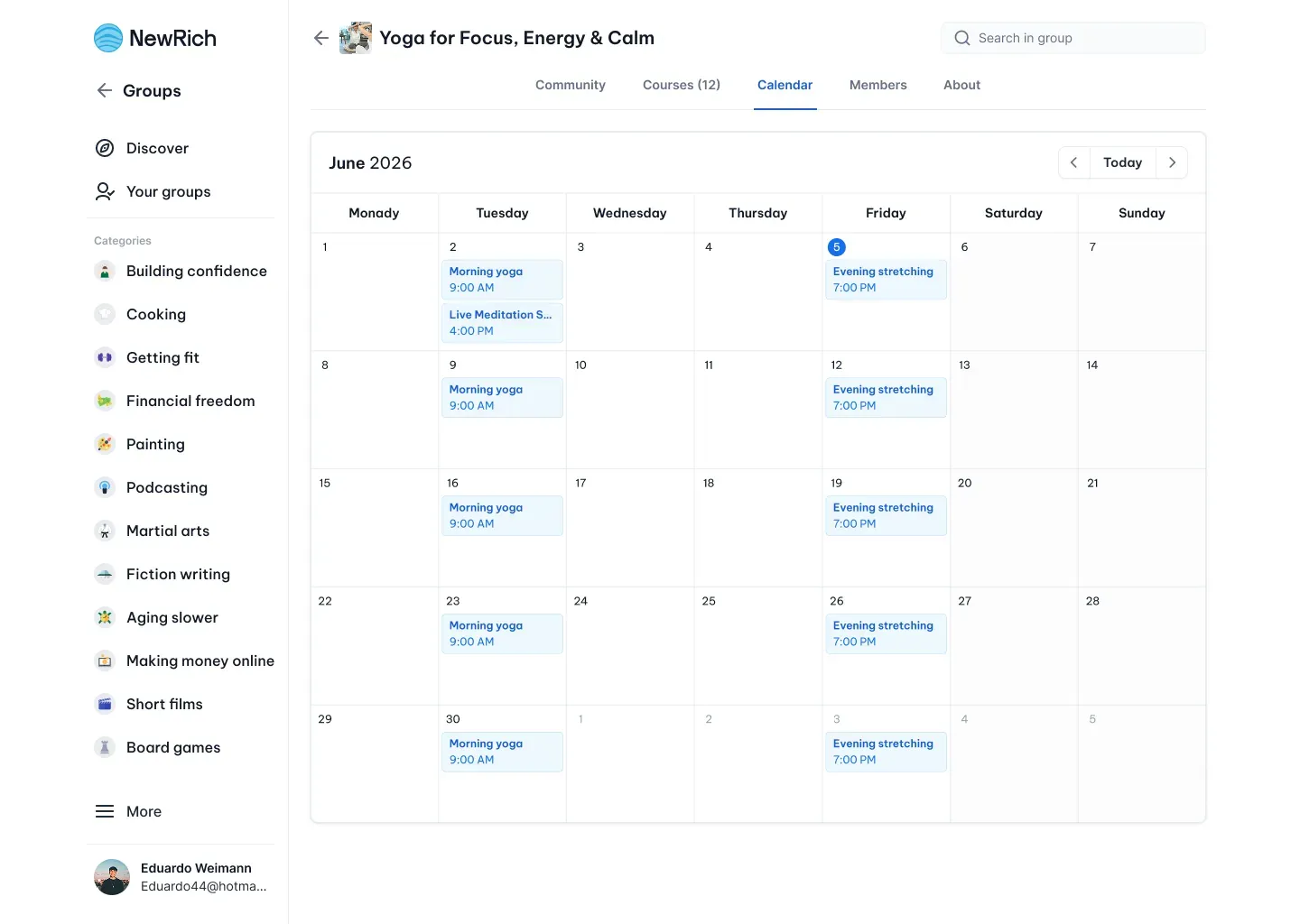
The Calendar tab keeps members informed about upcoming community activities.
Scheduled livestreams, workshops, events, and meetings appear here, and each event can be opened for additional information or added to your personal calendar.
Members
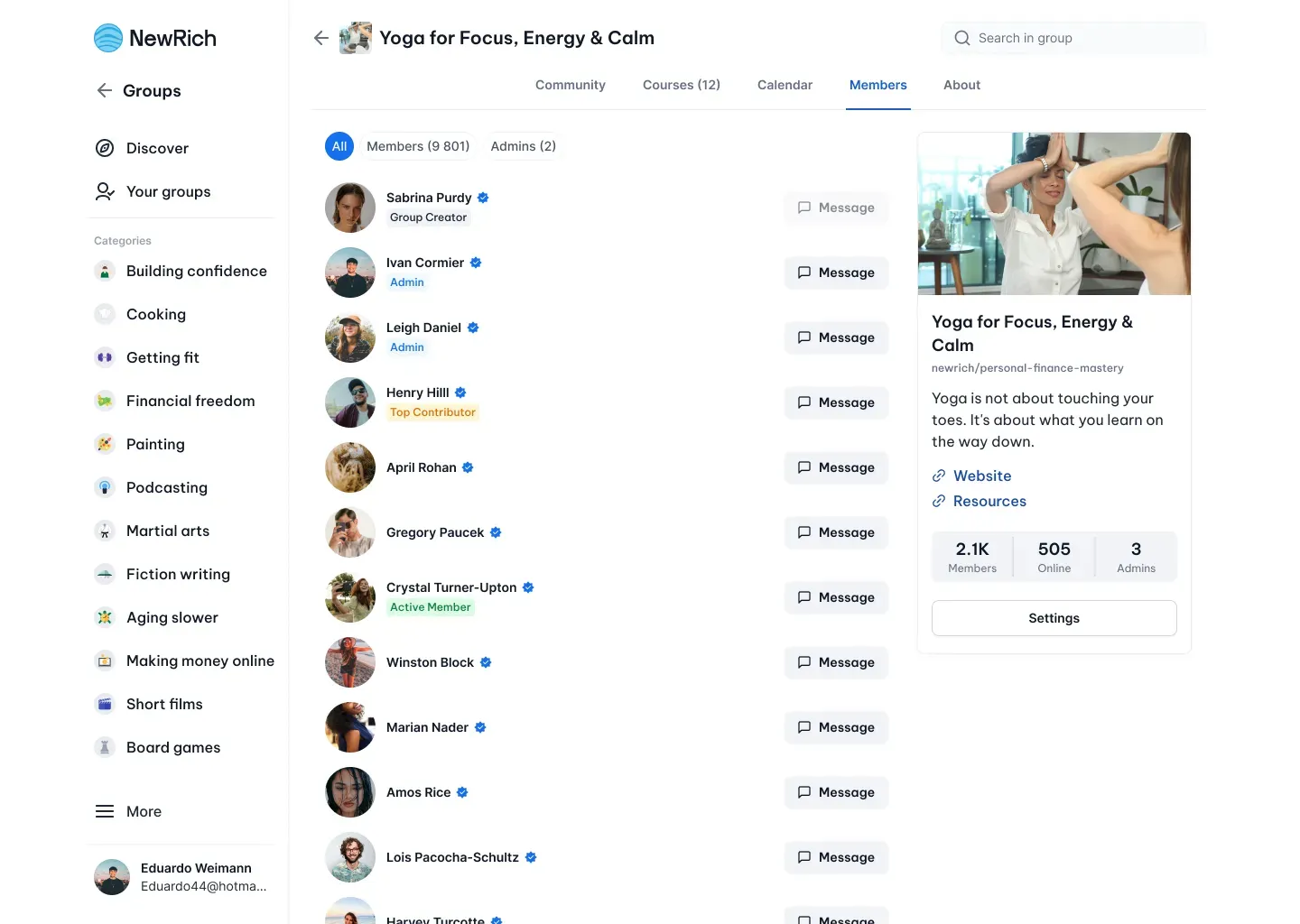
The Members tab displays everyone currently participating in the community.
You can browse member profiles, see creator and admin roles, identify active members, and, when messaging is enabled, start conversations directly from the member list.
About
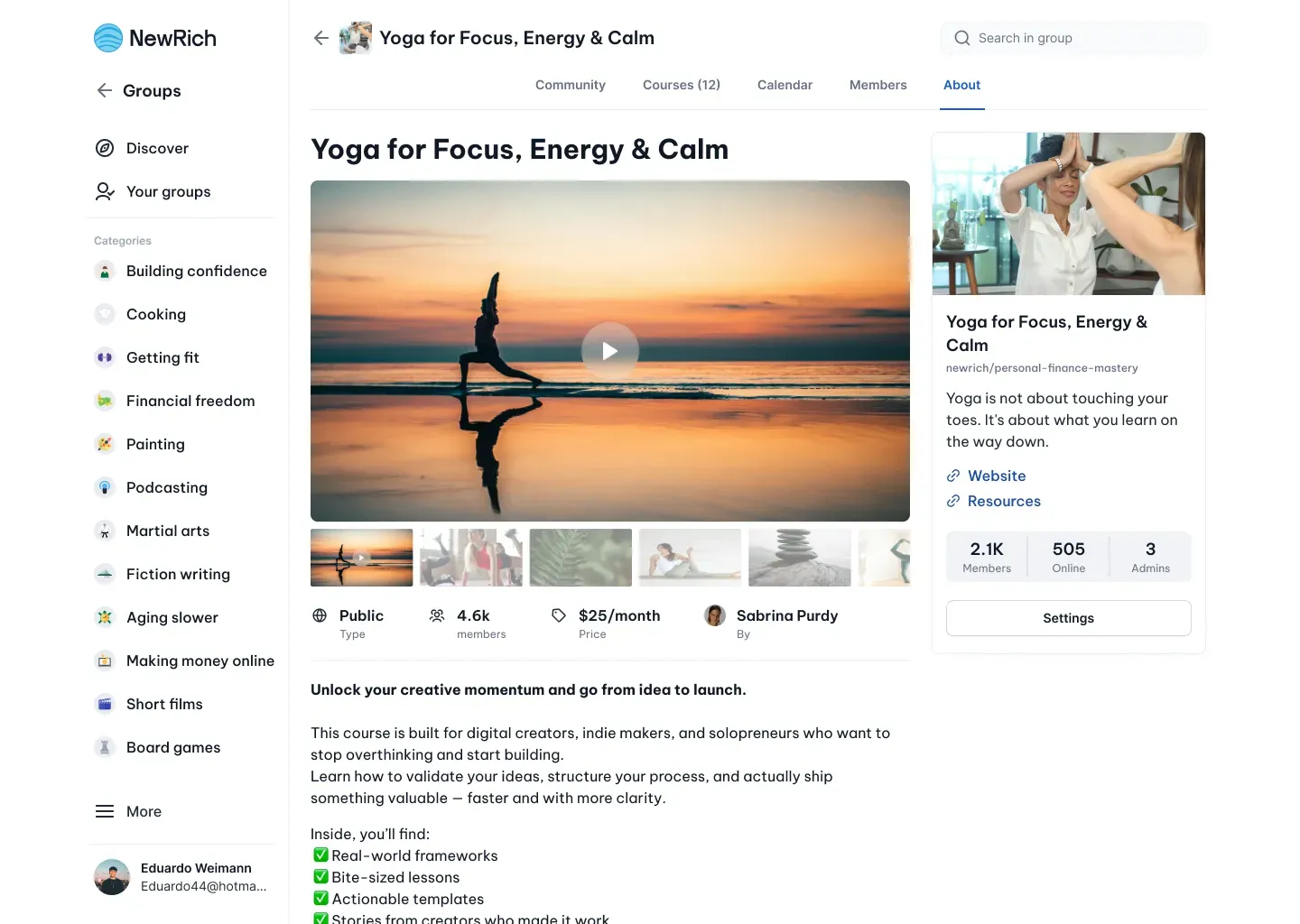
The About tab contains general information about the community, including its description, creator details, helpful resources, and external links shared by the creator.
Creating Posts
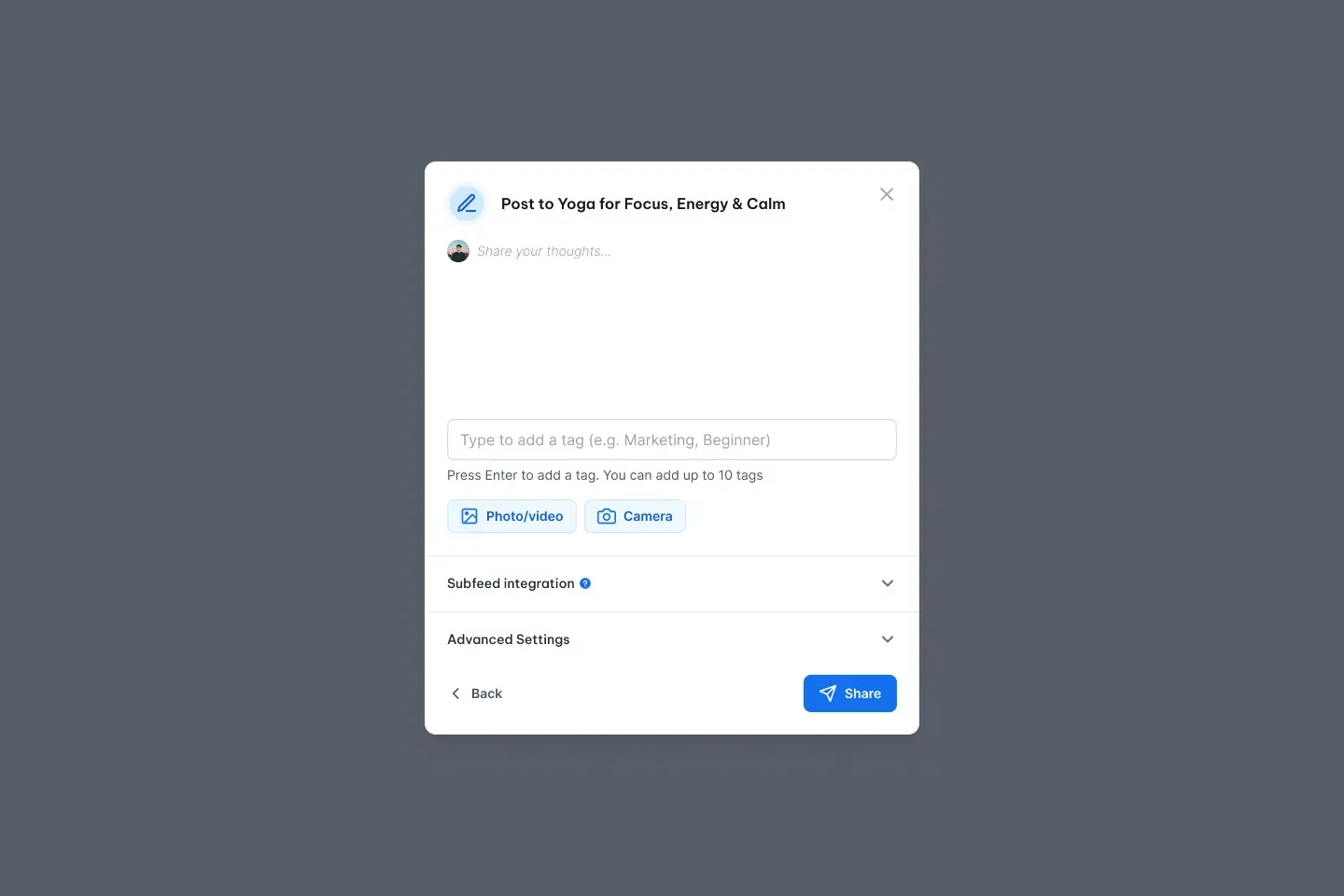
Members can actively participate in community discussions by creating posts directly from the Community tab. Depending on the creator's settings, members may be able to share text updates, images, videos, or links with the rest of the community.
Some creators allow posts to be published immediately, while others require approval from a moderator or creator before the post becomes visible to other members.
This allows creators to choose between open community discussions and moderated conversations, depending on the type of community they want to build.