

Message creators
Message creators
Messaging allows you to communicate privately with creators for questions, support, feedback, or personal conversations. Depending on the creator's settings, messaging may be available after following the creator, purchasing content, or subscribing to their premium content.
Conversations are stored in the Messages section, making it easy to continue chatting whenever you return to NewRich.
Starting a Conversation
There are two ways to start a conversation with a creator.
The quickest option is to open the creator's profile and click Message. If you've already talked before, the existing conversation opens automatically. Otherwise, NewRich creates a new chat.
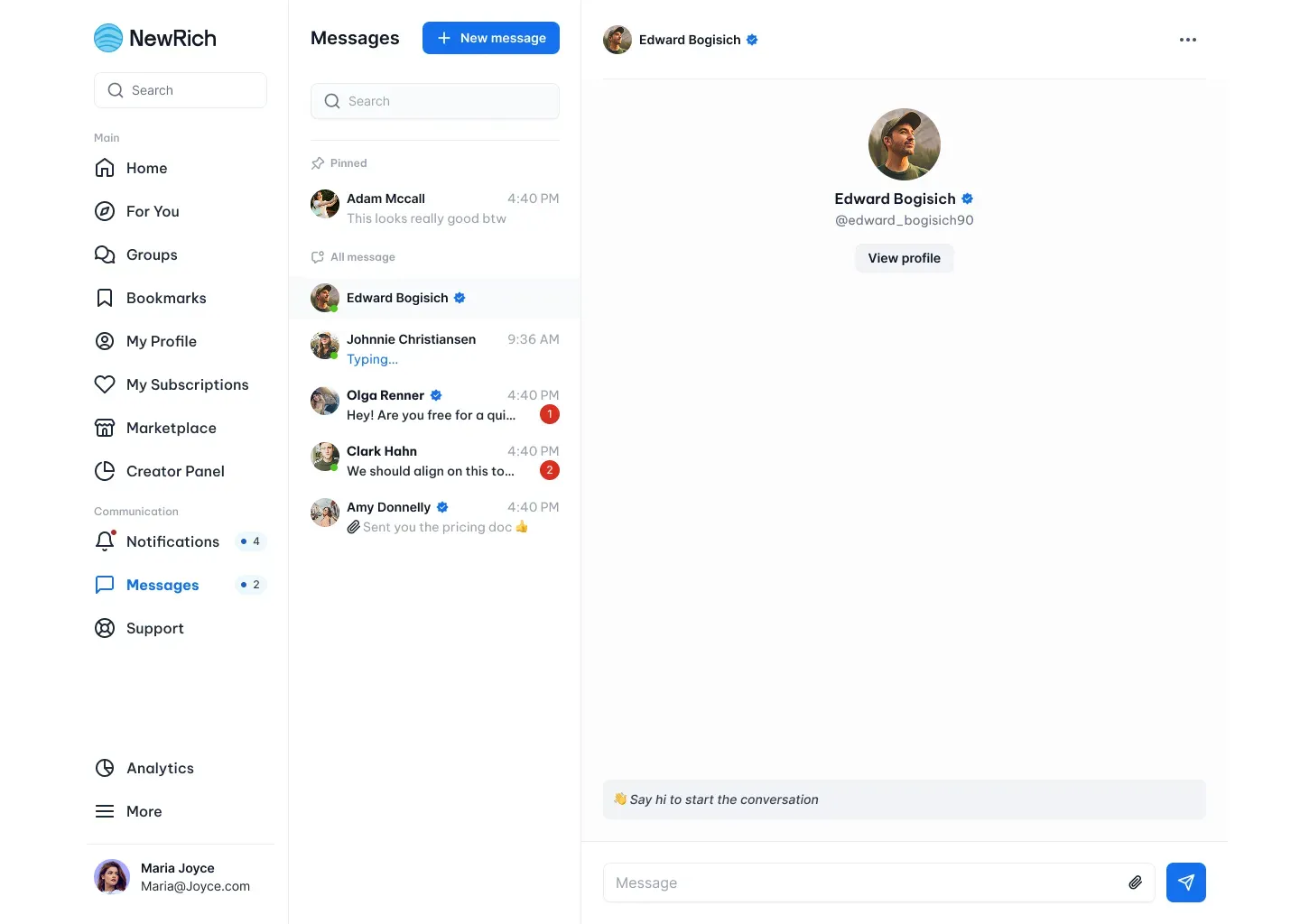
You can also start a conversation from the Messages page by selecting New Message. This opens a dialog where you can search for a creator and begin a new conversation.
Managing Conversations
The Messages page displays all of your conversations in one place.
From here you can quickly switch between chats, search existing conversations, continue previous discussions, and receive new messages without losing your conversation history.
Each conversation remains available until it is deleted or the creator removes access to messaging.